
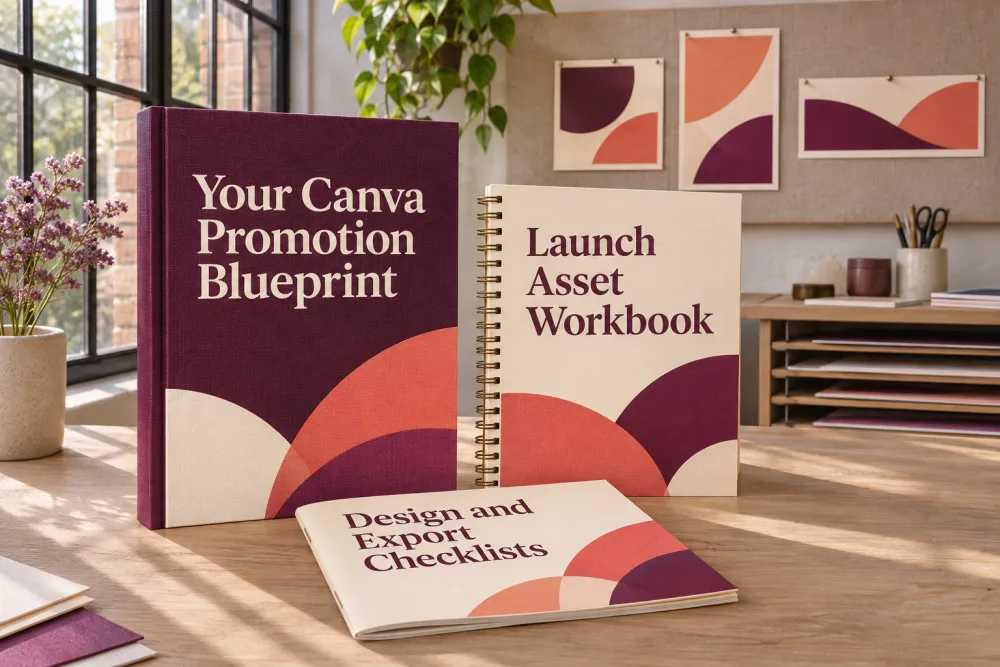
Your Canva Promotion Blueprint
Design Three Canva Assets for One Digital Product Launch
Create three Canva assets for one launch: a promotional graphic, a lead-magnet cover, and a sales-page banner. Start with a clear offer and adapt the design to each placement.
Plan the message before designing
Use the Launch Asset Workbook to define the buyer, what the offer delivers, and the next action. Prepare the headline and choose images you have permission to use.
Check the exported assets
Use the Design and Export Checklists to review readability, cropping, and placement. Open each exported file outside Canva and fix any issues before release.
TPLR / Transferable PLR included
Rename, rebrand, change covers, rewrite, and sell under the supplied licence. You and your customers may sell TPLR, PLR, MRR, resale, or user rights, and you may apply stricter terms. Paid distribution is required; free giveaways and lead-generation use are restricted unless permission is included. A user licence may be added to a paid membership. Read the complete included licence for all conditions and its stated exception.
Get the downloadable package for $9.99. Start with the main guide’s Quick Start. In the Launch Asset Workbook, write down who the buyer is, what useful output they’ll get, what the offer actually contains, and one appropriate next step. Then decide where the promotional graphic, lead-magnet cover, and sales-page banner will each appear.
What you get
- Your Canva Promotion Blueprint guide
- Launch Asset Workbook
- Design and Export Checklists
- Workflow for a promotional graphic, lead-magnet cover, and sales-page banner
- TPLR / Transferable PLR included
One payment. Instant access after you pay, by email.